
Tech help that feels calm and human
Including help with AI scams, voice cloning, and everything that's changed in the last two years.
Patient, judgment-free, step-by-step support for your phone, tablet, and computer.
About 3 minutes · Hints included · No account needed
Check a family emergency callWhat brings you here today?

Online safety & security

Device setup & basic training

Telehealth & medical technology support

Social connection & communication
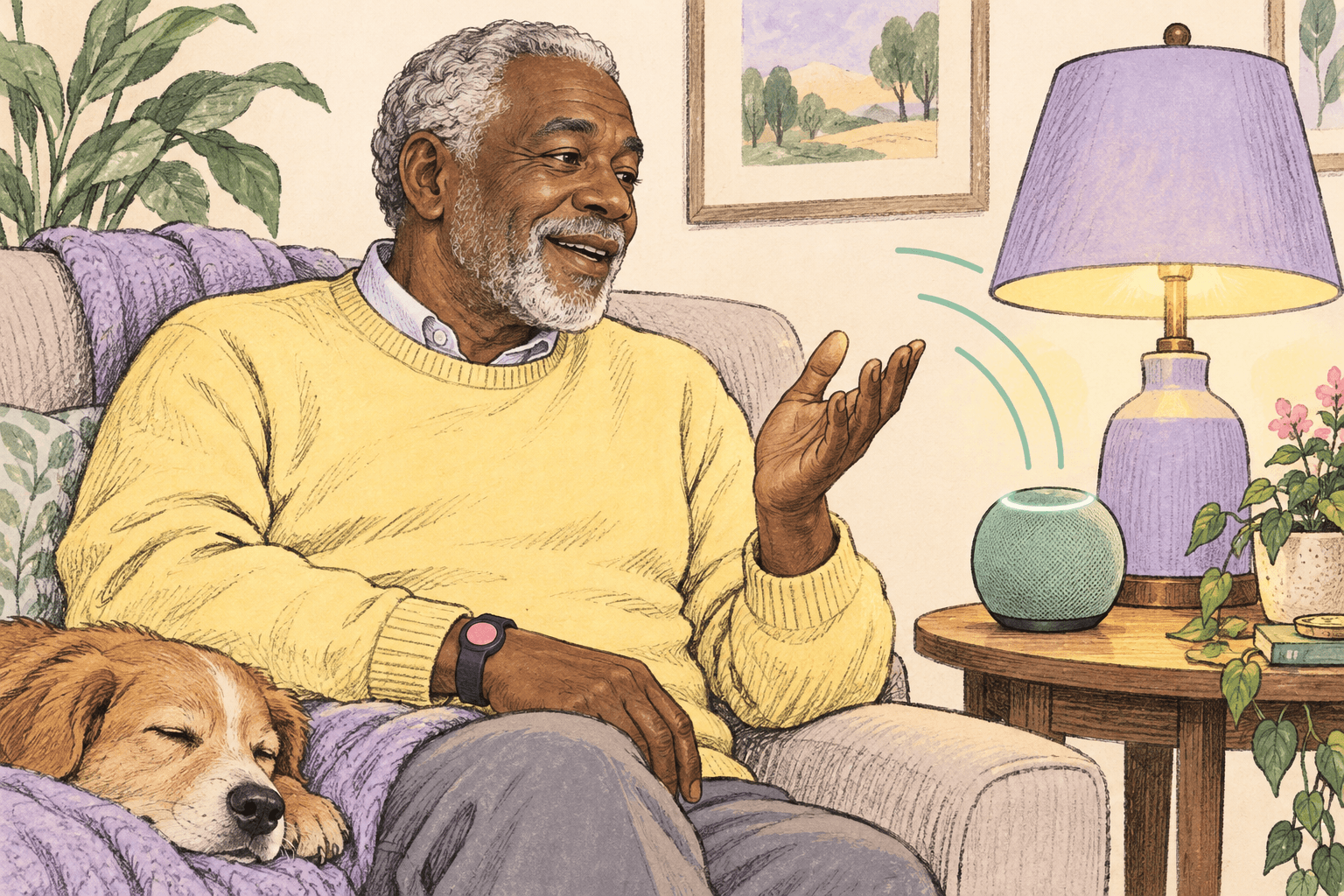
Smart home & assistive technology

AI & modern tech literacy
🛡️ Spot AI-Era Scams — Not Just Classic Phishing
Voice cloning, deepfakes, and fake family emergencies are here. Our missions teach you to spot them. Start with AI Voice Cloning, then tackle emails, texts, and more. Earn badges and go from Scam Cadet to Cyber Legend.
Free • 5 min • Family emergency & voice-cloning scams
AI voice cloning family emergency scams
Practice high-pressure family emergency scenarios where voices and stories can be faked.
Spot the scam in emails
Practice spotting fake or dangerous emails. Is it real or a scam?
Spot the scam in texts
Can you tell which texts are safe and which are trying to trick you?
Social media scams
Social media is full of scams. Can you spot the real from the fake?
Phone call scams
Scammers love calling. Learn to recognize phone scams.
Website & pop-up scams
Scammers create fake websites and scary pop-ups. Can you identify them?
Job & employment scams
Looking for work? Scammers prey on job seekers. Stay alert!
Online shopping scams
Shopping online? Watch out for fake stores and too-good deals.
Scam recognition master
Test everything you've learned! Can you spot all the warning signs?
AI voice cloning family emergency scams
Practice high-pressure family emergency scenarios where voices and stories can be faked.
Spot the scam in emails
Practice spotting fake or dangerous emails. Is it real or a scam?
Spot the scam in texts
Can you tell which texts are safe and which are trying to trick you?
Social media scams
Social media is full of scams. Can you spot the real from the fake?
Phone call scams
Scammers love calling. Learn to recognize phone scams.
Website & pop-up scams
Scammers create fake websites and scary pop-ups. Can you identify them?
Job & employment scams
Looking for work? Scammers prey on job seekers. Stay alert!
Online shopping scams
Shopping online? Watch out for fake stores and too-good deals.
Scam recognition master
Test everything you've learned! Can you spot all the warning signs?
AI voice cloning family emergency scams
Practice high-pressure family emergency scenarios where voices and stories can be faked.
Spot the scam in emails
Practice spotting fake or dangerous emails. Is it real or a scam?
Spot the scam in texts
Can you tell which texts are safe and which are trying to trick you?
Social media scams
Social media is full of scams. Can you spot the real from the fake?
Phone call scams
Scammers love calling. Learn to recognize phone scams.
Website & pop-up scams
Scammers create fake websites and scary pop-ups. Can you identify them?
Job & employment scams
Looking for work? Scammers prey on job seekers. Stay alert!
Online shopping scams
Shopping online? Watch out for fake stores and too-good deals.
Scam recognition master
Test everything you've learned! Can you spot all the warning signs?
AI voice cloning family emergency scams
Practice high-pressure family emergency scenarios where voices and stories can be faked.
Spot the scam in emails
Practice spotting fake or dangerous emails. Is it real or a scam?
Spot the scam in texts
Can you tell which texts are safe and which are trying to trick you?
Social media scams
Social media is full of scams. Can you spot the real from the fake?
Phone call scams
Scammers love calling. Learn to recognize phone scams.
Website & pop-up scams
Scammers create fake websites and scary pop-ups. Can you identify them?
Job & employment scams
Looking for work? Scammers prey on job seekers. Stay alert!
Online shopping scams
Shopping online? Watch out for fake stores and too-good deals.
Scam recognition master
Test everything you've learned! Can you spot all the warning signs?
AI voice cloning family emergency scams
Practice high-pressure family emergency scenarios where voices and stories can be faked.
Spot the scam in emails
Practice spotting fake or dangerous emails. Is it real or a scam?
Spot the scam in texts
Can you tell which texts are safe and which are trying to trick you?
Social media scams
Social media is full of scams. Can you spot the real from the fake?
Phone call scams
Scammers love calling. Learn to recognize phone scams.
Website & pop-up scams
Scammers create fake websites and scary pop-ups. Can you identify them?
Job & employment scams
Looking for work? Scammers prey on job seekers. Stay alert!
Online shopping scams
Shopping online? Watch out for fake stores and too-good deals.
Scam recognition master
Test everything you've learned! Can you spot all the warning signs?
AI voice cloning family emergency scams
Practice high-pressure family emergency scenarios where voices and stories can be faked.
Spot the scam in emails
Practice spotting fake or dangerous emails. Is it real or a scam?
Spot the scam in texts
Can you tell which texts are safe and which are trying to trick you?
Social media scams
Social media is full of scams. Can you spot the real from the fake?
Phone call scams
Scammers love calling. Learn to recognize phone scams.
Website & pop-up scams
Scammers create fake websites and scary pop-ups. Can you identify them?
Job & employment scams
Looking for work? Scammers prey on job seekers. Stay alert!
Online shopping scams
Shopping online? Watch out for fake stores and too-good deals.
Scam recognition master
Test everything you've learned! Can you spot all the warning signs?
Learn Tech in Minutes
Browse free guides on devices, video calls, scams, Wi‑Fi, and more at your own pace.
Practice with real examples
Try short, no-sign-up practice lessons that walk through suspicious texts and emergency-call scenarios.
Check a message
Paste a suspicious text, email, or pop-up into our message checker for automated red-flag hints and links to matching guides.
Use trusted links
Our links directory points to vetted resources with clear trust labels and affiliate disclosures where applicable.
Choose your privacy settings
Optional analytics load only after you accept. Change your choice anytime from Privacy choices in the site footer.
Learn Tech in Minutes
Short guides to get you comfortable with devices, video calls, and staying safe online.
Your safety is our priority
Scam-aware content throughout the site
Guides and tools focus on spotting fraud and acting carefully.
Your information stays private
We do not sell your personal data. See our Privacy Policy for details.
Message checker transparency
Pasted messages are analyzed by TypeSafe as described in our Privacy Policy; we do not log message content.
Share lessons with family
Public practice lessons can be shared so loved ones can learn together.
About KindTech
We believe good tech support should feel calm, clear, and human. No pressure. No judgment. Just practical steps that keep you safe and in control.
KindTech is here for anyone who feels stuck with technology.
Our mission is to help people feel safe and confident using modern devices, with patient support that never talks down to you. Our vision is a world where tech does not isolate people. It connects them.
We're built to bring together helpers who genuinely enjoy making life easier for someone else—and to share that same feeling of relief with more people.
What we do best
- Turn confusing tech problems into simple, doable steps.
- Help you spot scams, avoid risky clicks, and protect your accounts.
- Teach you a few repeatable habits so you don't have to memorize everything.
Our philosophy
Our take
Good support means meeting people where they are—with patience, clarity, and a focus on what actually helps.
Written by
The KindTech Team
Ready to get help?
We're here when you need us.
No obligation. No pressure. Just a friendly conversation about how we can help.